 Audio Tag Editor
 BPM Finder
 Live BPM Finder
 Key Finder
 Mix Maker
 Track Analyzer
 Transition Finder
 VST Manager
Free BPM detection exists, and some of it is genuinely good. The real question is not whether you can avoid paying for it. It is whether the free options can do what you actually need, which depends almost entirely on what happens after you get the number.
If you need a BPM reading on one track you heard somewhere, a free tool handles that without hesitation. If you need to process 300 tracks, write the detected values to each file's metadata, and have that data show up in your DJ software the next time you open it, the calculation changes.
At a glance
Free BPM tools for Mac
Rekordbox (best free option for Pioneer users)
Pros
- Industry-level BPM and key detection built into a platform many DJs already use
- Batch analysis of entire libraries with beat grid generation
- Free for library management without a subscription
Cons
- Full software install exceeds 2GB and requires library setup before analysis
- Analysis writes primarily to Rekordbox's internal database, not always to file tags
- BPM accuracy around 69 percent, lower than dedicated tools
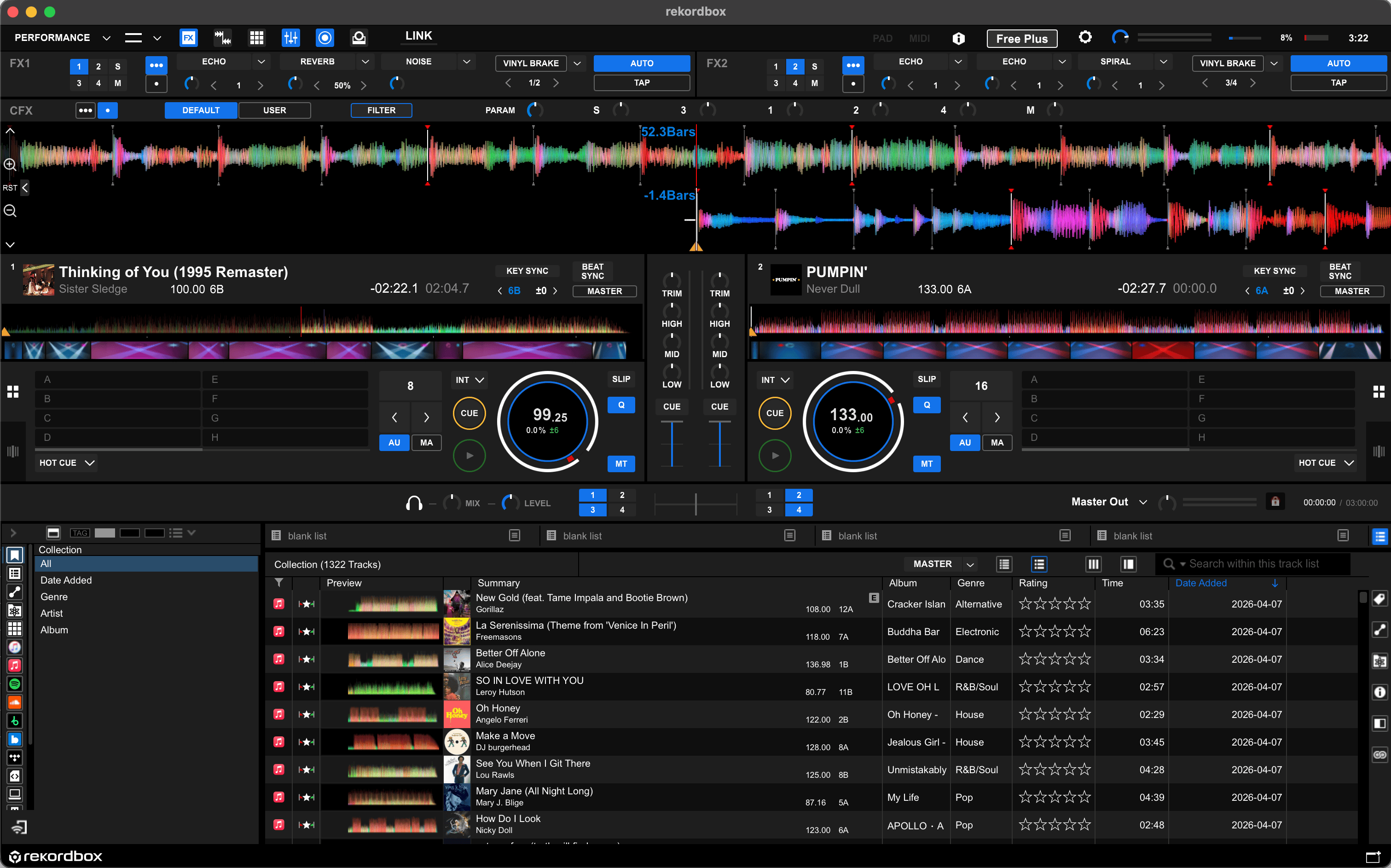
Rekordbox is free to download and includes BPM and key detection as part of its core library management features. If you are already using Rekordbox because you play on Pioneer CDJs, using it for BPM analysis costs nothing and integrates directly into the workflow you already have.
The case for Rekordbox as a BPM tool starts and ends there. If you are not already in the Pioneer ecosystem, downloading a 2GB DJ platform to get BPM readings is the wrong approach. The setup requires importing your music into a Rekordbox library before it will analyze anything, which adds friction if you only want a quick result. Detection accuracy runs around 69 percent compared to professional tools, which is acceptable but not exceptional.
BPM analysis in Rekordbox writes primarily to its internal library database, not necessarily back to each audio file's ID3 tags.
If you export tracks to USB for a CDJ setup, that data travels with the export. If you open the same files in different software, the BPM value may not be visible.
DJs already using Rekordbox for Pioneer CDJ prep who want BPM and key analysis built into the software they are already running.
Paid BPM tools for Mac
BPM Finder (best value for dedicated detection)
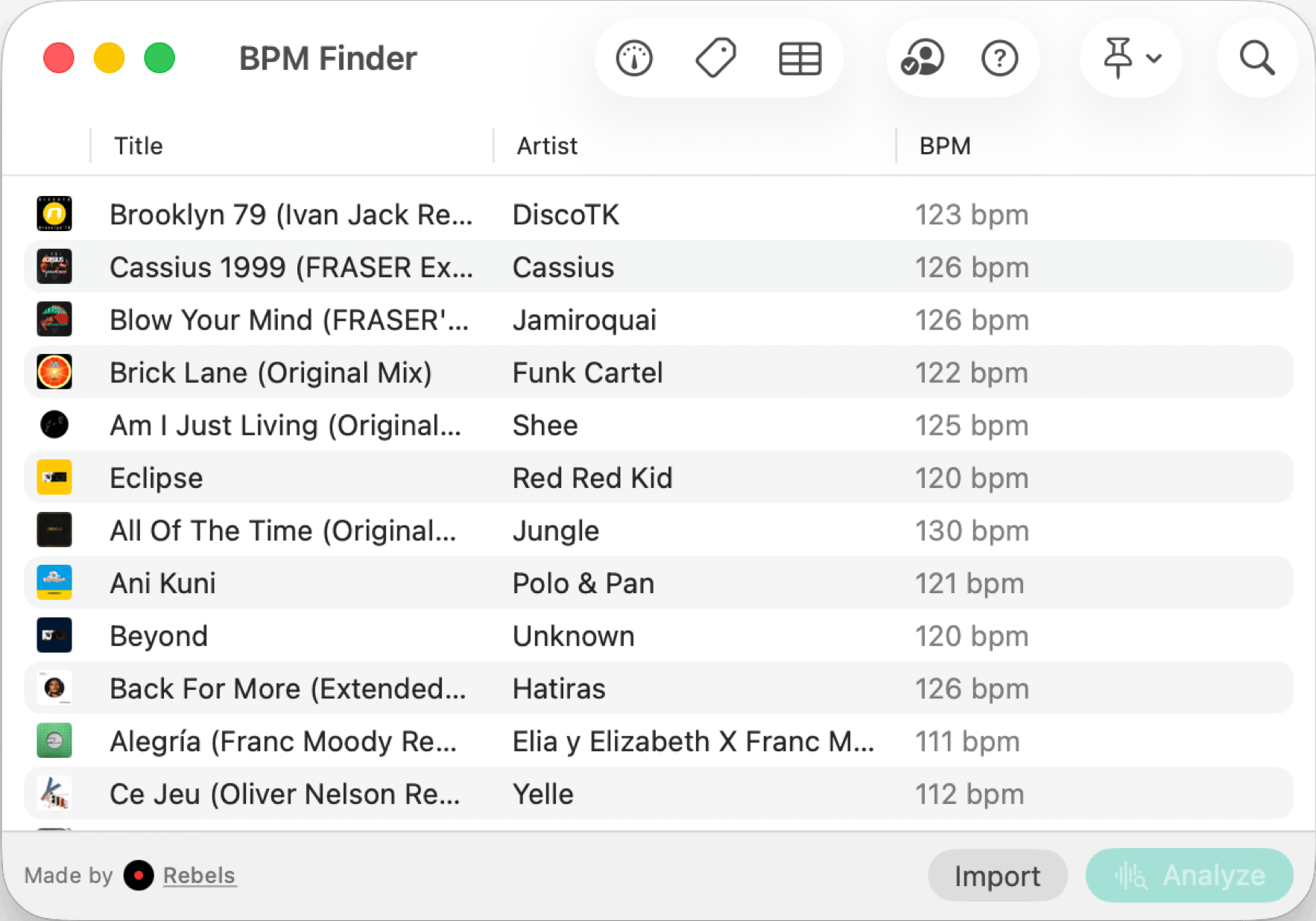
The case for BPM Finder at $6.99 one-time comes down to the gap between what it does and what free tools do. It runs at under a second per track with professional-grade accuracy. It writes results directly to file metadata, with no library import required. It works entirely offline, with no files leaving your machine.
Against Rekordbox's free tier, the difference is precision and portability. Rekordbox ties analysis to a library workflow; BPM Finder works on any file you point it at.
At $6.99 with a universal purchase covering iPhone and iPad, the cost is low enough that the comparison against free options becomes less about the money and more about whether batch speed and accuracy matter to you.
DJs who want the fastest, most accurate standalone BPM tool for Mac with metadata writing and no platform lock-in.
Mixed In Key 11 (best for complete harmonic analysis)
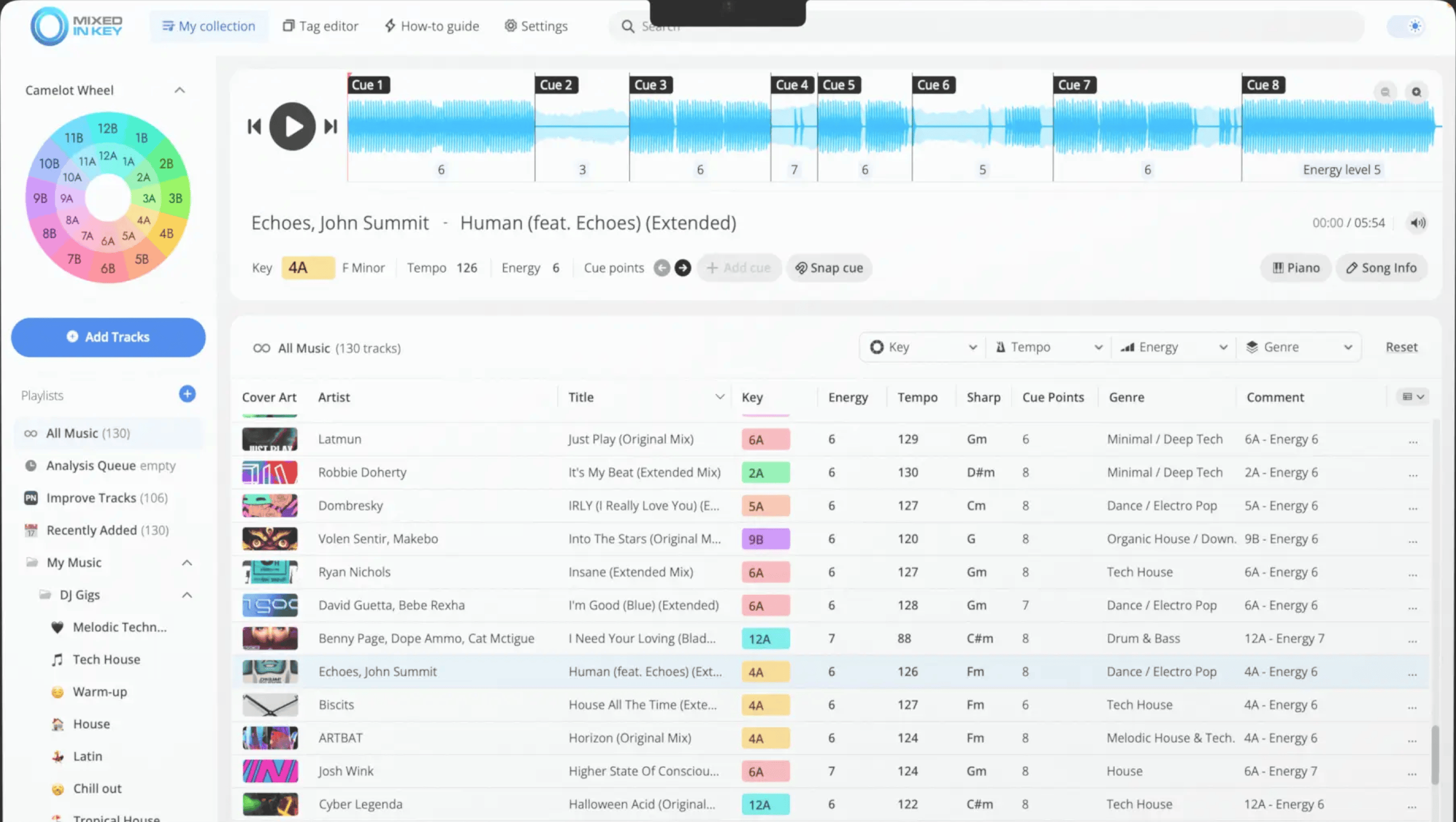
Mixed In Key 11 justifies its price when you are using its full capability: BPM detection, key detection, Camelot harmonic codes, energy level ratings, and automatic cue points, all in a single pass over your library. The accuracy is industry-standard, and the list of touring DJs who rely on it for harmonic mixing prep is long.
If BPM is all you need, this is too much tool for the price. At $34 to $58, you are paying for key detection, energy ratings, and DJ software export integrations you may never use. Mixed In Key earns its price when the whole suite is part of your workflow. When it is not, the value does not hold up.
DJs whose workflow is built around harmonic mixing and who want BPM, key, Camelot codes, and energy levels from a single tool.
What about browser tools?
For a single track, you do not need to install anything. Rebels offers a free browser-based BPM tool that runs detection locally in your browser, so nothing is uploaded or stored. It works on any device including Mac and handles one track at a time. SongBPM.com is a useful complement for known commercial tracks, since it pulls from a lookup database rather than analyzing audio directly.
Neither of these writes to file metadata. They are fast answers, not library tools.
What I actually use
For library prep, I use BPM Finder. I spent time with Rekordbox before settling on a dedicated tool, and the difference in speed and accuracy on a large folder of tracks is not subtle. Processing 300 tracks takes a few minutes, the metadata is written to each file, and the result shows up everywhere without any additional steps.
I also run Mixed In Key for key detection and harmonic analysis, but that covers a different need. For BPM specifically, paying $6.99 once solved a problem that the free tools only partially addressed.