 Audio Tag Editor
 BPM Finder
 Live BPM Finder
 Key Finder
 Mix Maker
 Track Analyzer
 Transition Finder
 VST Manager
Finding the BPM of a track shouldn't require opening a 2GB DJ suite, waiting for it to boot, running a full library analysis, and then closing it because you only needed one number. For years, that was the only real option if you wanted professional-grade accuracy.
There are now several solid apps dedicated to BPM detection on Mac, from lightweight utilities to full analysis suites. Here's an honest breakdown of the best ones in 2026, who each one is actually for, and which one I use.
At a glance
The best BPM finder apps for Mac
BPM Finder (best overall)
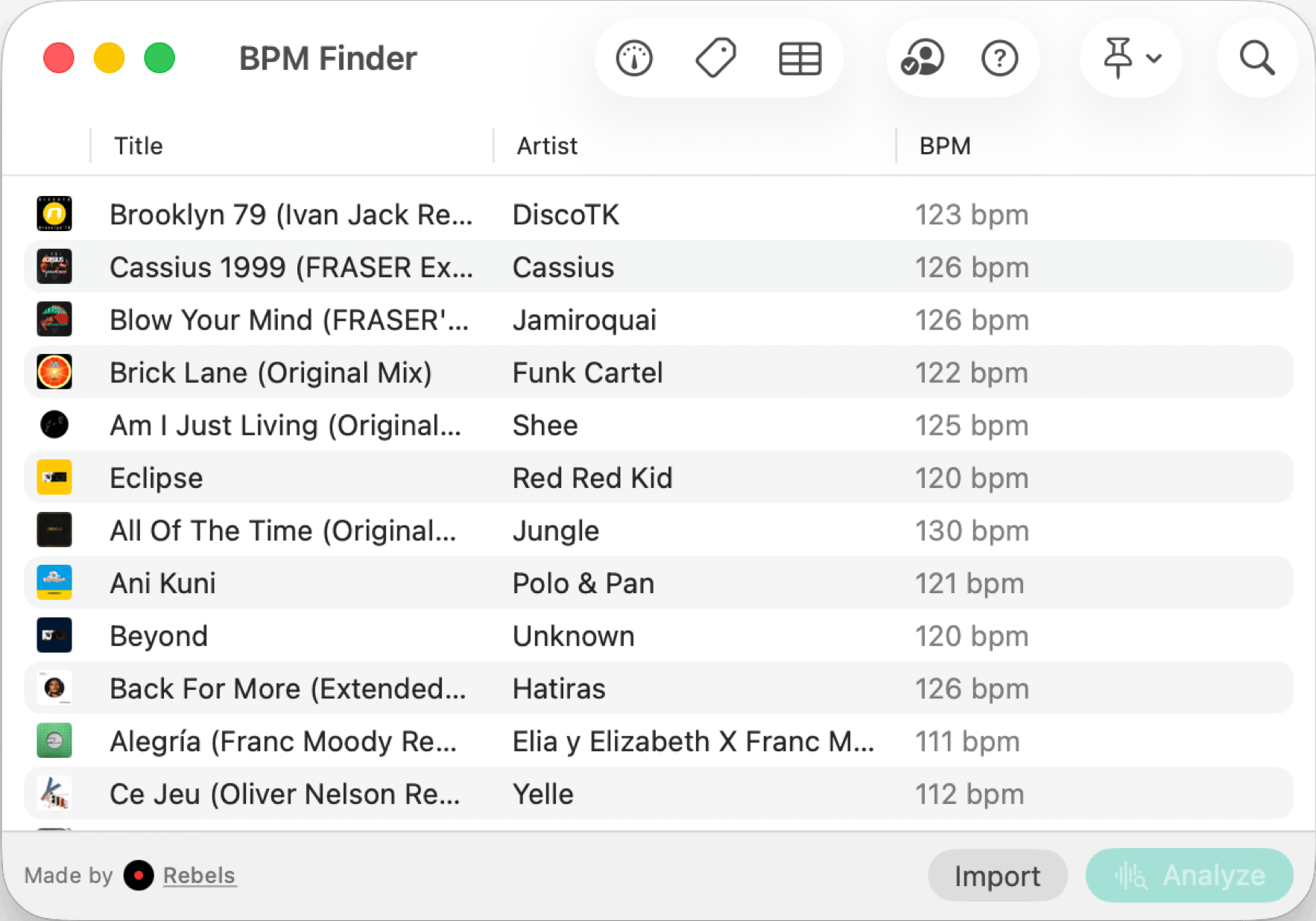
Every accurate BPM tool I tried came with too much overhead. Full DJ platforms require a library setup before they'll analyze anything. Tap-based tools are only as accurate as your tapping. I wanted something that opened fast, did one job with professional precision, and got out of the way. BPM Finder is exactly that.
Detection runs entirely on-device in under a second per track. No internet, no account, no cloud upload. Batch mode lets you drop in a folder of hundreds of tracks and walk away; it processes everything with low CPU and memory usage, and you can write the detected BPM back to each file's metadata automatically. It handles a single track or an entire library with the same speed.
Because it's a universal purchase, the same $6.99 also gets you the iPhone and iPad versions. If you're checking a BPM mid-crate-dig or from your phone at the studio, it's all covered.
DJs and producers who want fast, accurate, offline BPM detection, for a single track or an entire collection.
Mixed In Key (best for complete harmonic analysis)
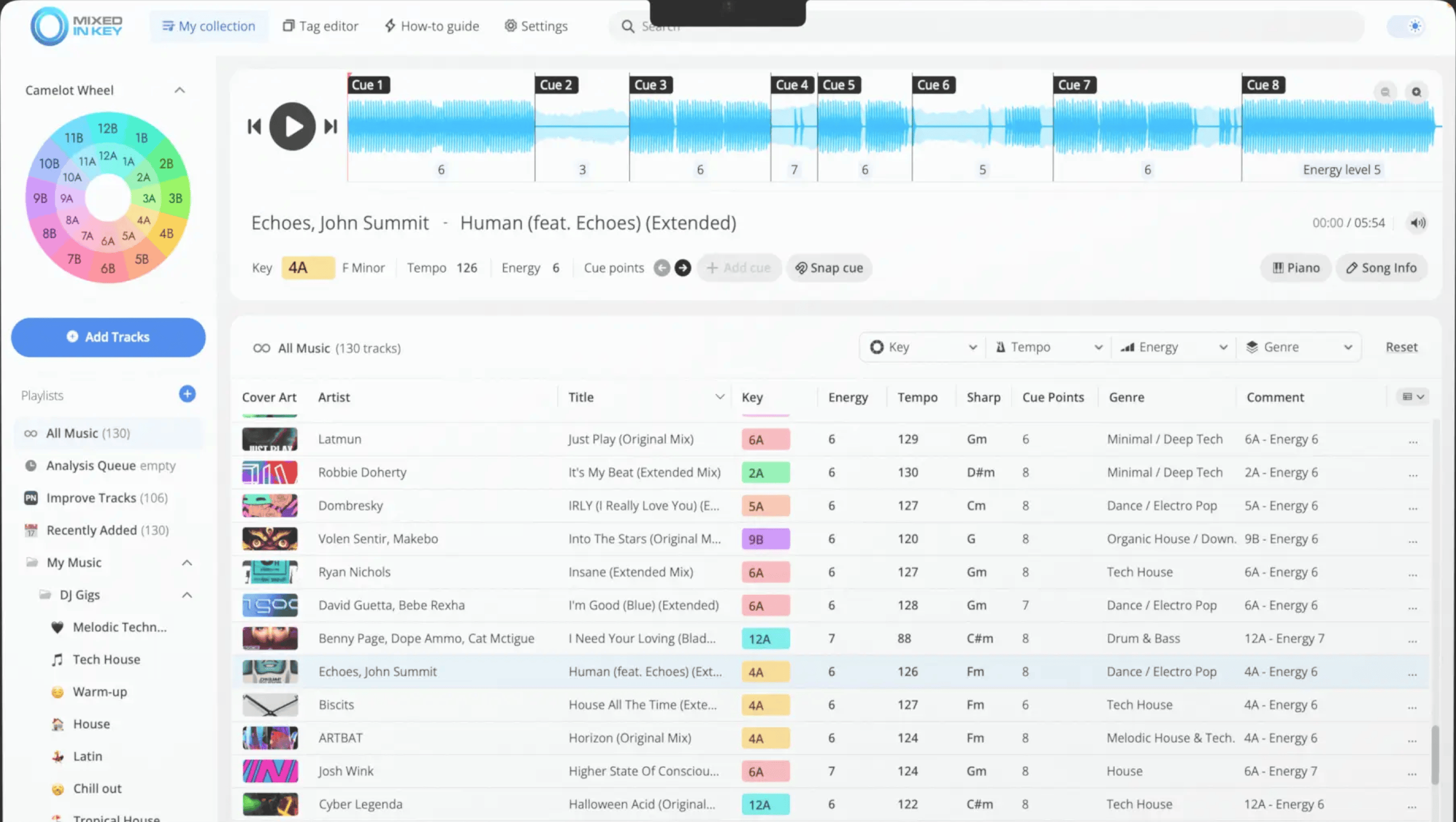
Mixed In Key is the closest thing this category has to an industry standard. It's been around since 2006 and the list of top DJs who use it is long enough that you've almost certainly heard its output without knowing it.
What justifies the price over a dedicated BPM tool is scope. Mixed In Key doesn't just detect tempo. It detects musical key, assigns Camelot codes for harmonic mixing, rates energy levels per track, and automatically adds cue points. If your prep workflow is built around harmonic mixing and you want all that data in one pass, there's nothing better.
The tradeoff is straightforward: if BPM detection is all you need, $58 is a lot to pay for one feature. Mixed In Key earns its price when you're using the full suite. When you're not, you're overpaying.
Worth noting: it works on both Mac and Windows, but there's no iPhone or iPad version.
DJs whose workflow is built around harmonic mixing and who want BPM, key, and energy level analysis from a single tool.
BeatGauge (best for Apple Music library users)
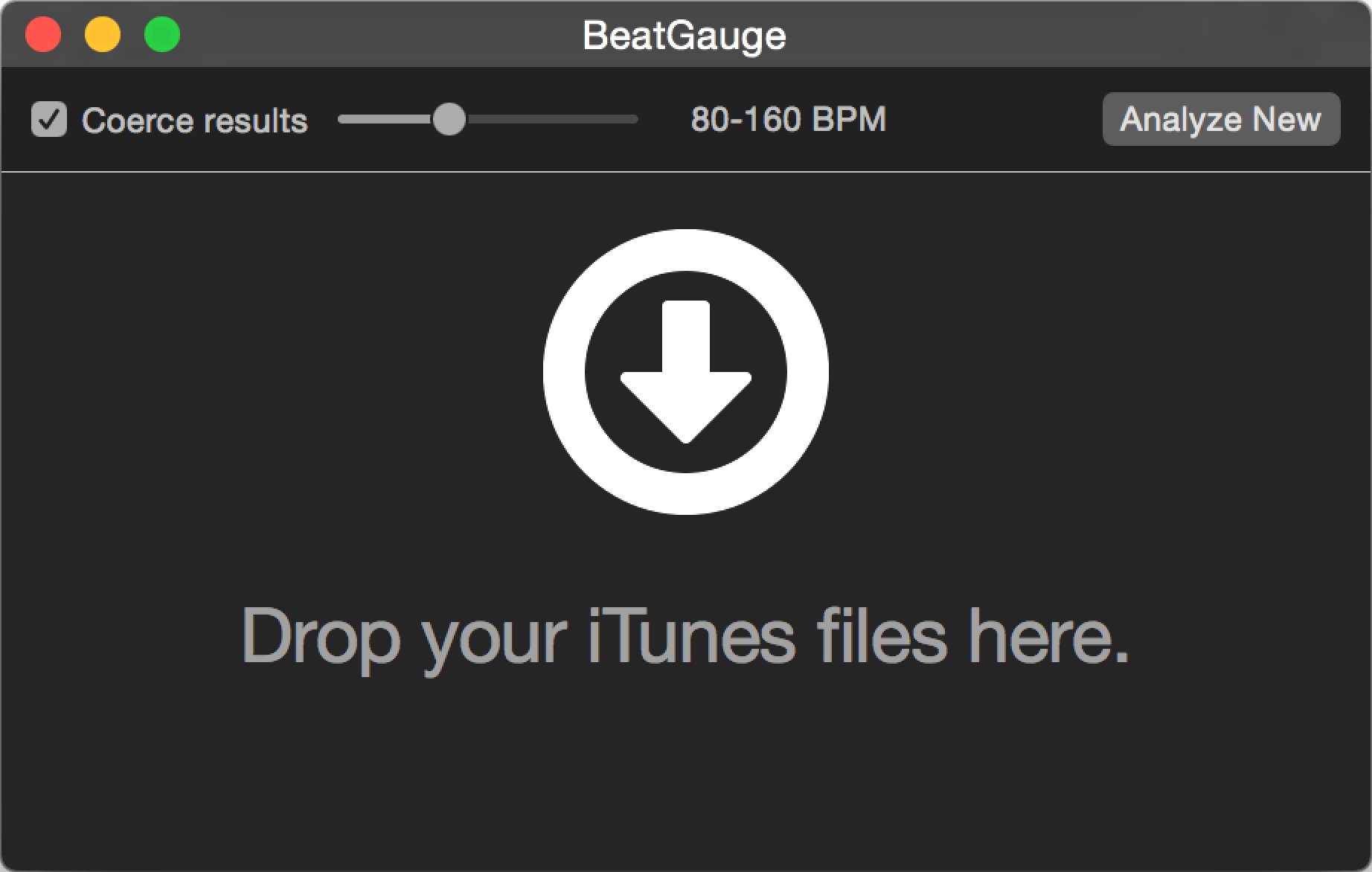
BeatGauge is a focused Mac app built specifically to integrate with Apple's Music app. If your entire music library lives in Music/iTunes, it's designed to analyze your tracks and write BPM directly back to them so every other app that reads tags sees the result.
There are two things worth knowing before buying. First, it only sees files inside your Music library. If your tracks live in Finder folders, on an external drive, or outside of Music, BeatGauge won't reach them, and for most working DJs that's a dealbreaker. Second, user reviews flag accuracy issues on tracks with less conventional rhythms, and the app hasn't received a meaningful update in several years, which raises compatibility questions on newer macOS versions.
It earns a mention here because the core concept is sound and it works for its intended use case. But go in with realistic expectations.
Mac users whose entire music collection is managed through Apple Music, and who aren't concerned about long-term app support.
What about free options?
If you just need to check the BPM of a single track without installing anything, there are a few options. SongBPM.com has a lookup database for known tracks. Browser-based analyzers will process an uploaded file directly.
Rebels also offers a free online BPM tool, with analysis running locally in your browser so nothing is uploaded or stored. It's a clean option for a quick check on any device, including phones and tablets. For writing results to file metadata, a dedicated Mac app is the better tool.
What I actually use
BPM Finder, because it matches the exact workflow I care about: drop in a folder of new music, get BPM written to every file's metadata, done in under a minute, no internet required.
If I were optimizing for harmonic mixing and wanted key detection alongside BPM, I'd use Mixed In Key on top of it. The two don't overlap. BPM Finder is faster, cheaper, and works on iPhone and iPad too; Mixed In Key goes deeper on musical analysis. They serve different moments in the same workflow.