Audio Tag Editor
 BPM Finder
 Live BPM Finder
 Key Finder
 Mix Maker
 Track Analyzer
 Transition Finder
 VST Manager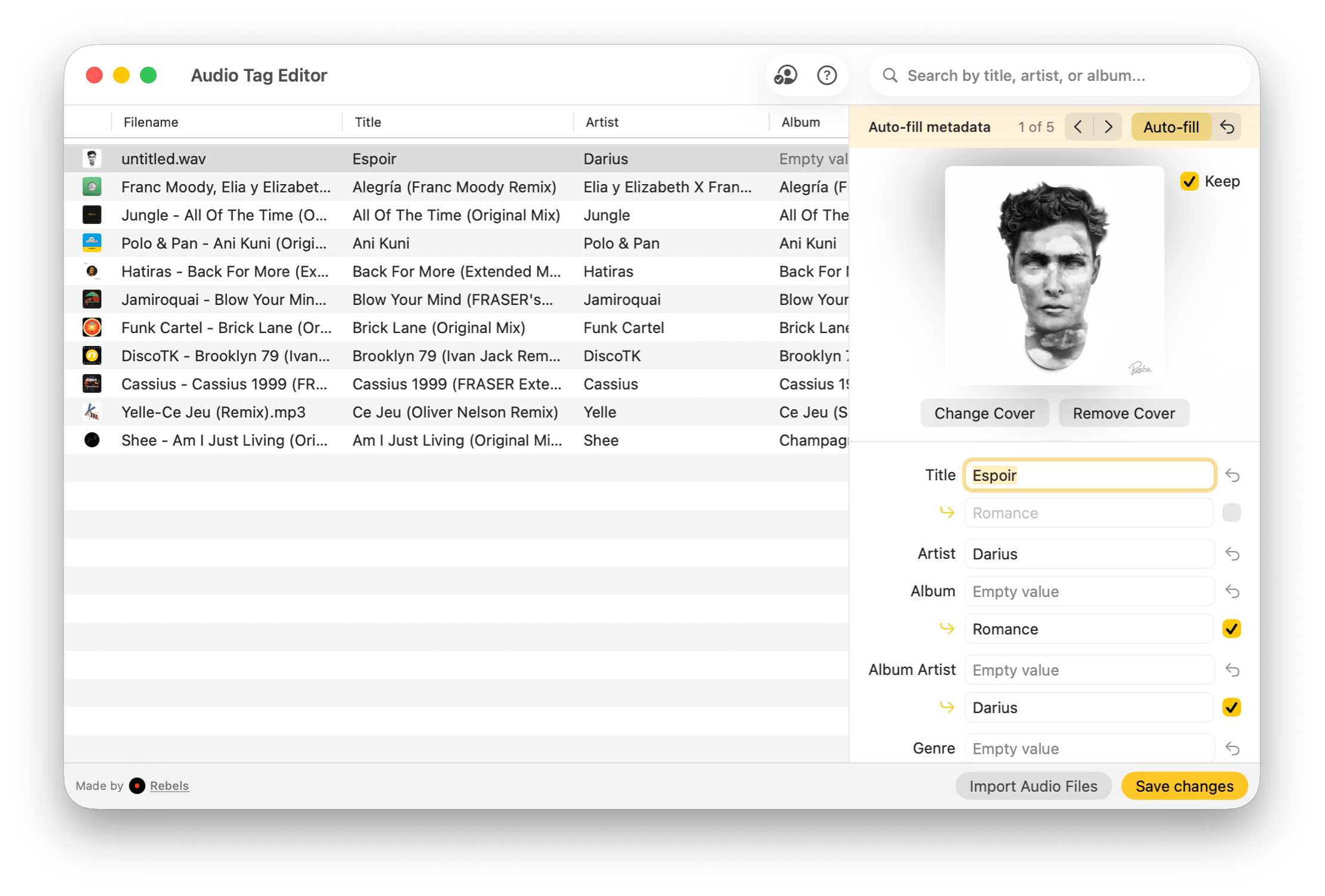
Audio Tag Editor
Edit audio tags seamlessly.

Update major audio files formats, MP3, MP4, FLAC, WAV, AIFF, OGG, and more. Tag existing tracks or freshly created ones without worrying about format-specific quirks.
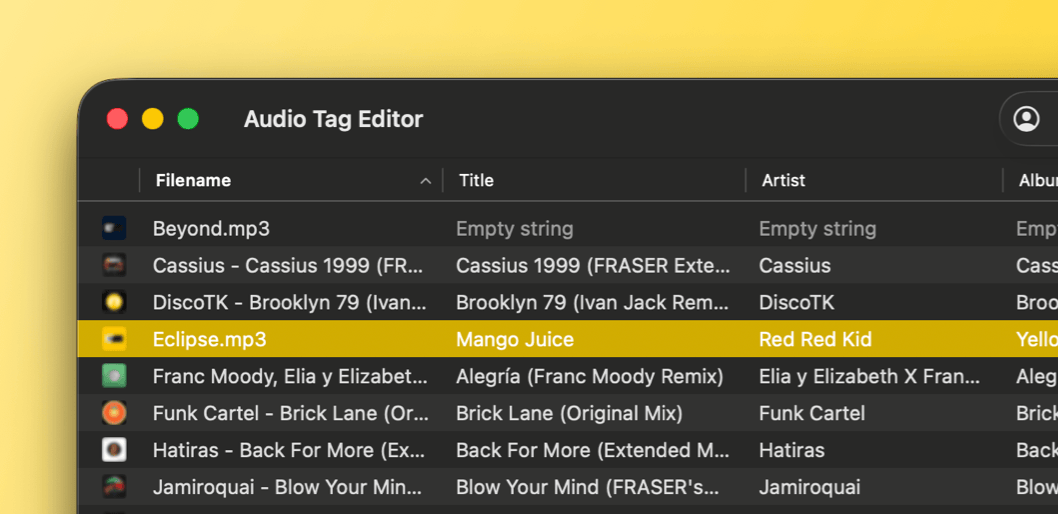
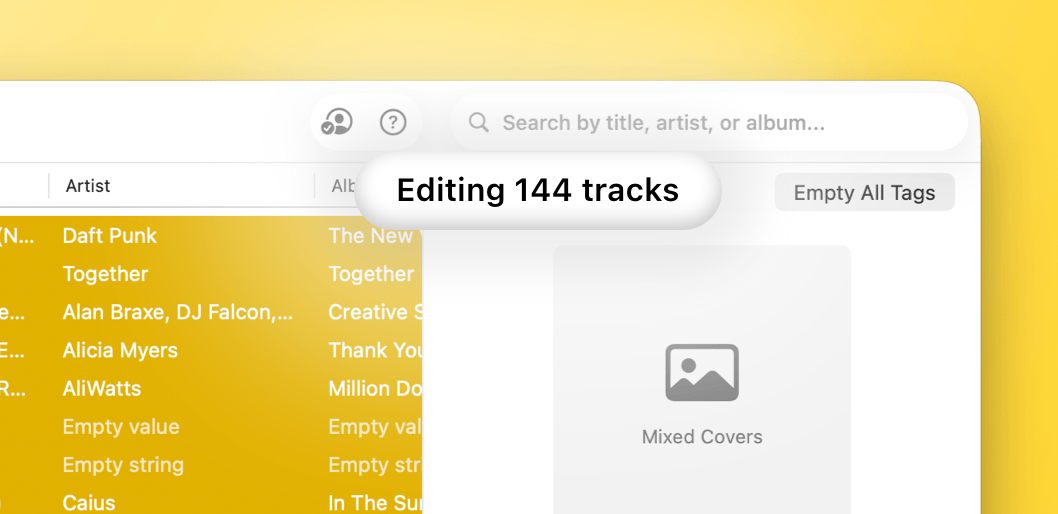
Select your entire collection and update shared fields in one go. Set a common album cover, fix a misspelled artist name, or assign a genre across hundreds of tracks at once.
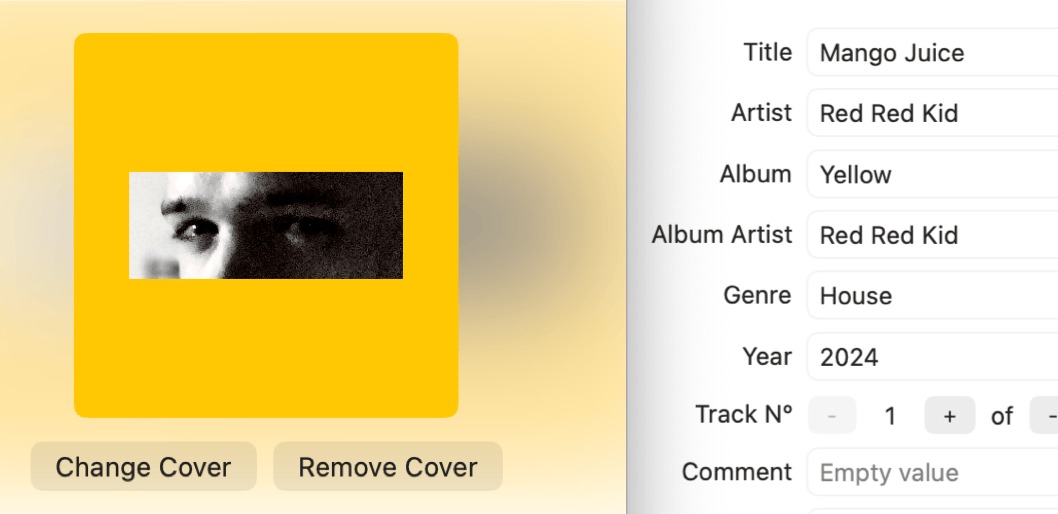
Edit your track's title, artist, album, and other metadata in a single view. Add, replace, or remove album artwork to keep your music library visually organized.
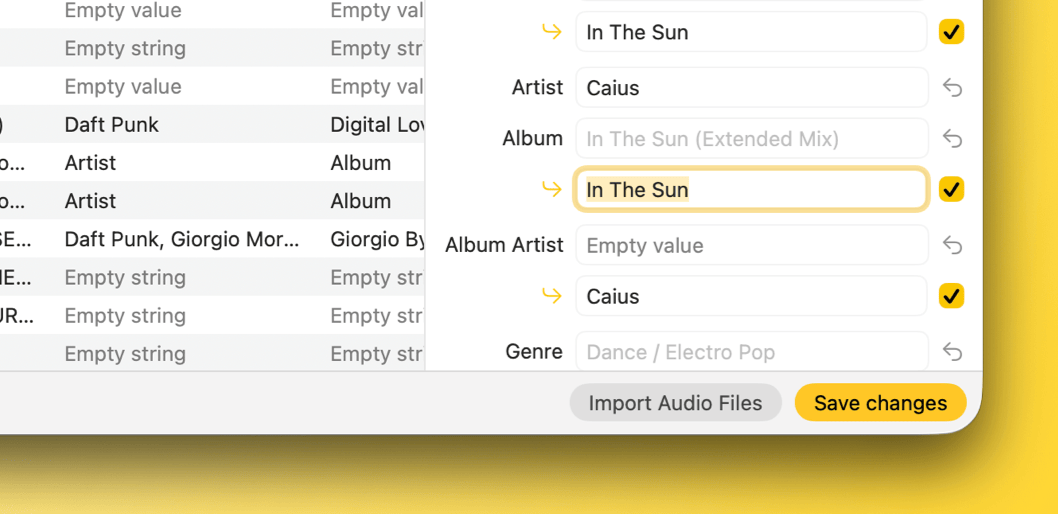
Auto-fill fetches artwork, title, and common tags from online databases in one tap. Type an artist name and the app surfaces matching info already in your collection to fill fields faster.
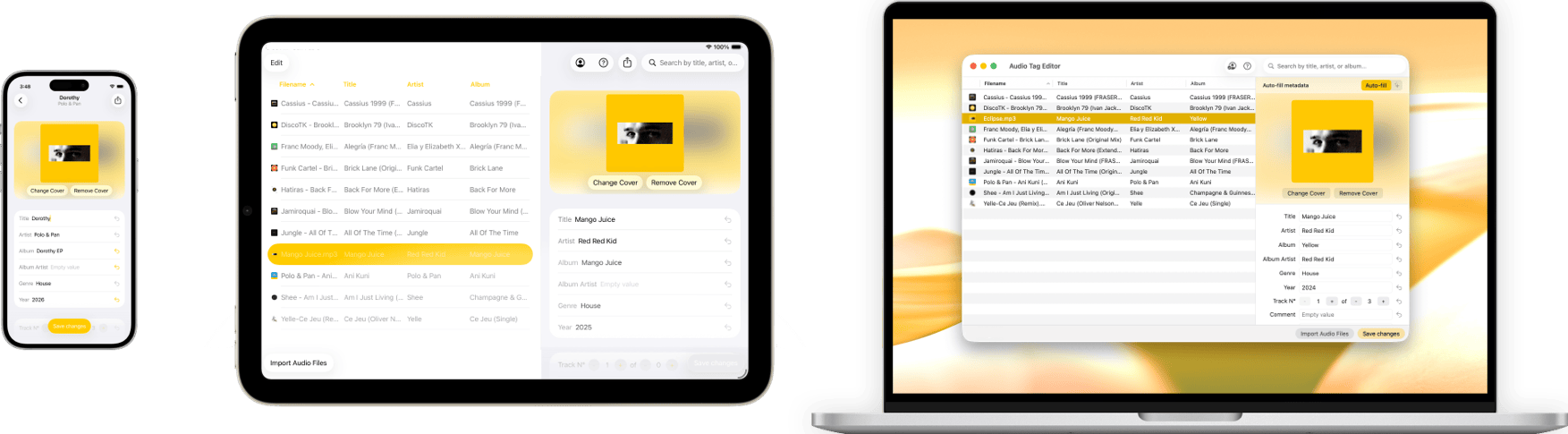
Buy once, use everywhere.
Optimized for all Apple devices.
Available on iPhone, iPad and Mac.
Start tagging,the easy way.Start tagging, the easy way.
Available on iPhone, iPad and Mac.