 Audio Tag Editor
 BPM Finder
 Live BPM Finder
 Key Finder
 Mix Maker
 Track Analyzer
 Transition Finder
 VST Manager
Both VST Manager and Plugin Station scan your Mac for plugins, manage license keys, detect duplicates, and give you a storage breakdown. They cover the same core territory. The differences are in depth, pricing model, and which additional features you will actually use after the first week.
This comparison is for Mac-based producers who want a clear answer on whether Plugin Station's extra capabilities justify its price over a one-time $8.99 purchase.
At a glance
The tools
VST Manager
Pros
- Covers all core use cases: audit, duplicates, license keys, system profiles
- iCloud sync for license keys across all your Macs
- One-time price, no subscription or renewal
- App Store rated 4.6/5, featured globally among top music apps
Cons
- No plugin price comparison or update notifications
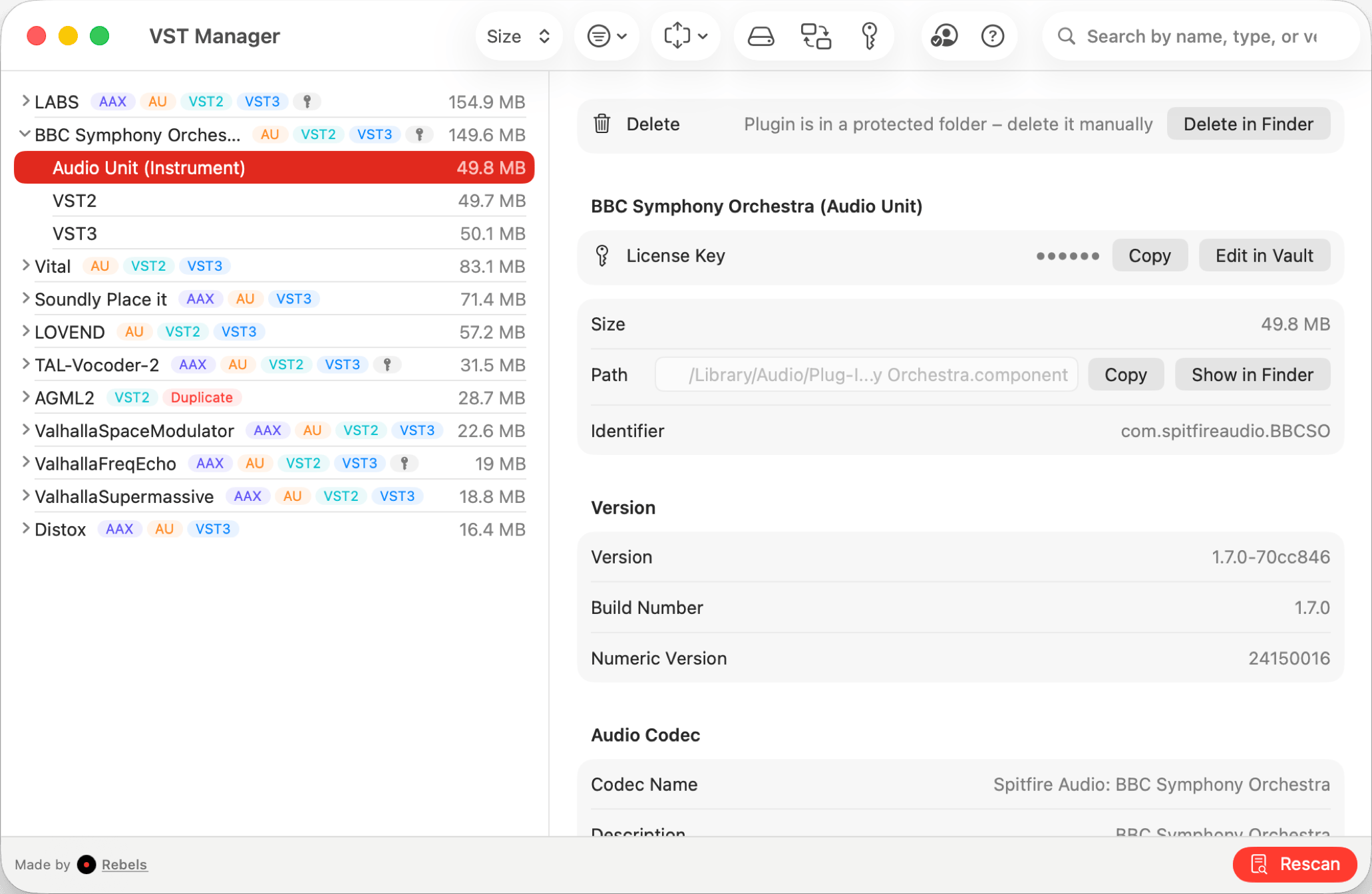
VST Manager covers the core of what most producers need from a plugin manager: a unified scan across AAX, AU, VST, and VST3 formats, duplicate detection, a license key vault synced through iCloud, a storage breakdown by plugin type, and system profile sharing for comparing setups across machines or with collaborators.
The pricing model is the clearest statement of intent. $8.99 once, and you own it. No tiers, no subscription reminders, no annual renewal. Plugin management software is the kind of utility you install, use for a week to get organized, and then run occasionally as your library grows. Paying monthly for that workflow does not match how most producers actually use it (at least in my own experience!).
The license key vault is the feature producers come back to most. All your plugin serial numbers synced through iCloud Keychain means that on a new Mac, your keys are already there before you reinstall a single plugin. For anyone who has spent hours hunting for activation codes in old emails after a machine swap, that is a material quality-of-life improvement.
Mac producers who want a complete plugin audit tool with license key management at a one-time price with no ongoing costs.
Plugin Station
Pros
- Everything VST Manager does, plus more
- Deep uninstall assistant
- Price comparison across plugin stores before you buy
- Out-of-date plugin notifications
Cons
- Subscription model: nearly $60 per year, ongoing indefinitely
- Perpetual license costs $165 for a single Mac, non-transferable
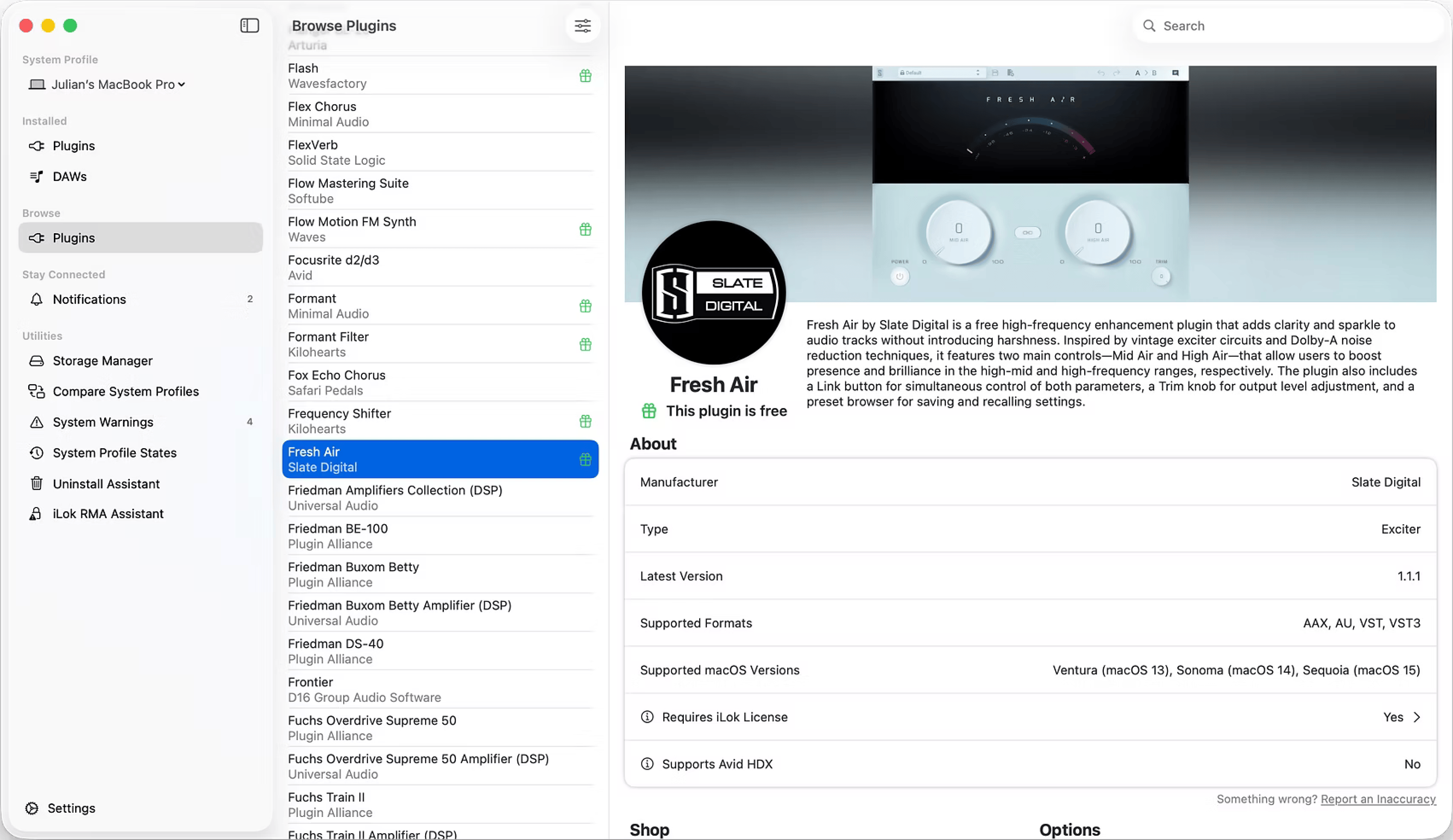
Plugin Station is the most feature-complete plugin manager available for Mac. It covers everything VST Manager does and adds three capabilities: its own uninstall assistant, a price comparison tool that shows you the best price for a plugin across multiple stores before you buy, and notifications when your installed plugins have updates available (when available).
The uninstall assistant is genuinely useful. Plugin uninstallers are inconsistently provided by developers, and manually tracking down and removing plugin files across multiple system directories is tedious. Having a guided removal flow built into your manager is the kind of feature that gets used often enough to matter.
The price comparison tool has real value for active buyers. If you are regularly adding plugins and you buy from multiple stores, having that comparison baked into your manager can save real money over time.
The pricing model is the hardest part to ignore. The subscription is $4.99 per month, compounding to nearly $60 per year. After two and a half years, you will have paid more than the perpetual license price, and the subscription continues after that. The perpetual option at $165 avoids the subscription, but it is locked to a single Mac and is not transferable if you change machines. For software most producers run as an occasional utility, that is a significant ongoing cost.
Active plugin buyers who regularly add to their collection and want update alerts, price comparison across stores, and a guided uninstall tool.
Which one should you get?
The honest verdict: VST Manager handles the 90% use case for plugin management at a fraction of the cost. Audit your library, clean up duplicates, store your license keys securely, share your system profile. For most producers, that is everything they need from a plugin manager, and they need it occasionally, not constantly.
Plugin Station's extras are real. The uninstall assistant, update notifications, and price comparison tool are features you will use. But they come with an ongoing cost that does not match how most people interact with plugin management software. If you buy plugins every month and actively monitor your collection for updates, the monthly spend can make sense. If you mostly leave your setup alone once it is organized, you are paying nearly $60 a year for features you use a few times a year.
What I actually use
VST Manager. I used it to run my first full audit, removed a pile of duplicate plugins I had forgotten about, stored every license key, and set up my system profile. I now open it a few times a year when I add something new. Paying monthly for that usage pattern never made sense.
If I were buying plugins regularly and wanted price comparisons before committing, Plugin Station's model would be more defensible. But for most producers, plugin management is a setup task rather than an ongoing workflow, and $8.99 is the smarter spend.