 Audio Tag Editor
 BPM Finder
 Live BPM Finder
 Key Finder
 Mix Maker
 Track Analyzer
 Transition Finder
 VST Manager
Getting the musical key of a track right matters more than most DJs realize until the first time it goes wrong. A confident harmonic mix that lands perfectly is invisible to the crowd. A half-step clash that drifts through two minutes of a transition is not. The algorithms behind key detection have improved significantly in recent years, but the range between a professional-grade tool and a mediocre one is still wide enough to affect your sets.
There are four main options worth knowing about on Mac in 2026: a dedicated lightweight tool, the industry standard full-suite option, a free open-source alternative, and the key detection built into Rekordbox. Here is an honest comparison of what each one actually delivers.
At a glance
The best key finder apps for Mac
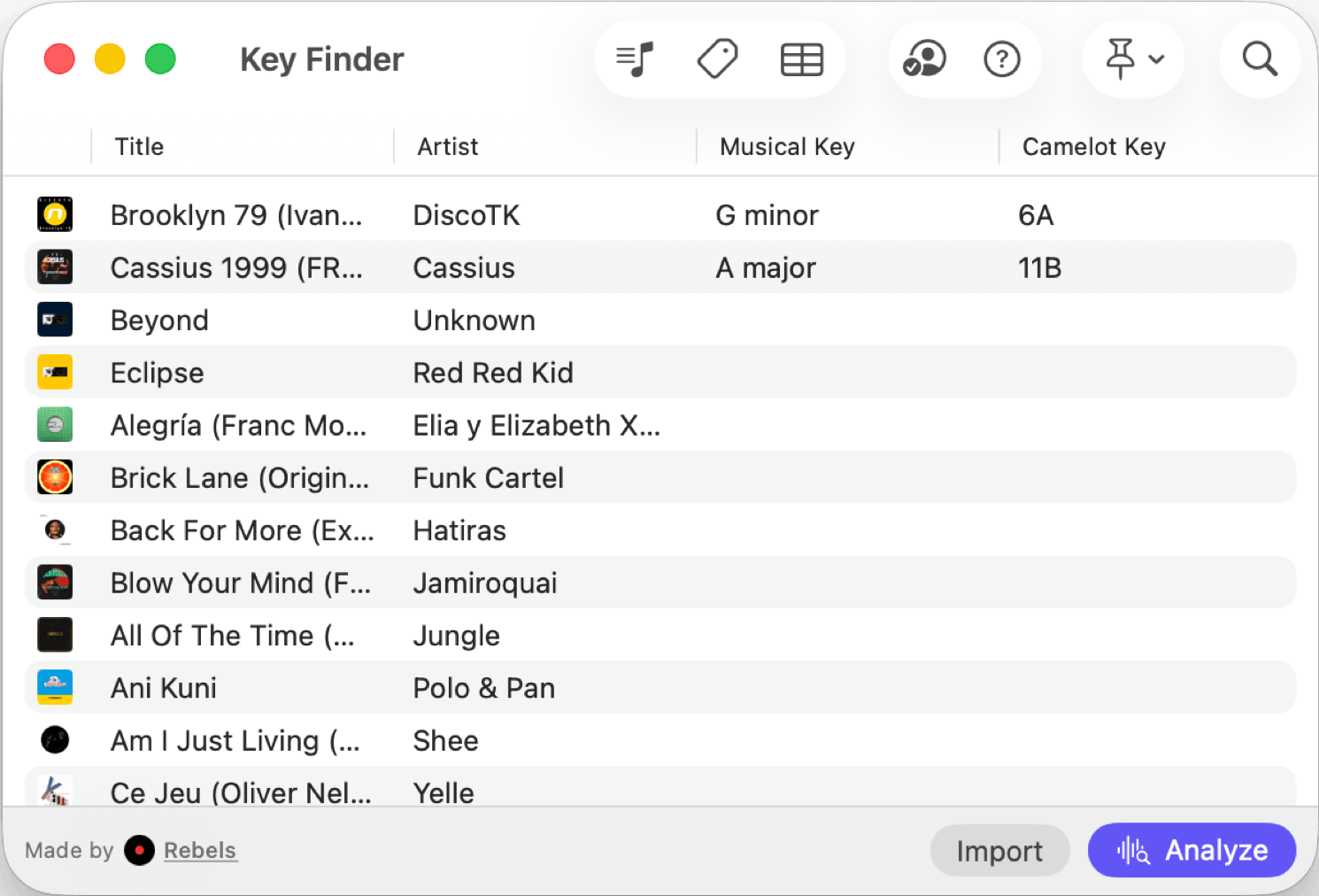
Key Finder (best overall)
Pros
- Professional-grade accuracy on par with industry-standard tools
- Musical, Camelot codes and Open Key notations all supported
- Batch mode for full libraries
- One purchase covers Mac, iPhone, and iPad
Cons
- Key detection only, no BPM or energy level analysis
- No export to DJ software like Rekordbox or Serato
Key Finder does one thing and does it at professional-grade accuracy. Drop in a track or an entire folder, and it returns the musical key in under a second per file, entirely on-device.
The accuracy is the headline. Key Finder delivers results on par with the tools that set the accuracy benchmark in this category. That matters because not all key detection is equal: the difference between a tool that gets it right 90 percent of the time and one that manages 55 to 70 percent is audible in a harmonic mixing workflow, particularly on tracks with ambiguous tonality or complex chord progressions.
Because it is a universal purchase, the same $6.99 covers the iPhone and iPad versions. Key detection on the go, while traveling or checking a new track before adding it to a folder, uses the same engine and delivers the same results.
DJs and producers who want accurate, fast musical key detection on Mac with metadata writing, at a price that does not require justification.
Mixed In Key 11 (best for complete harmonic analysis)
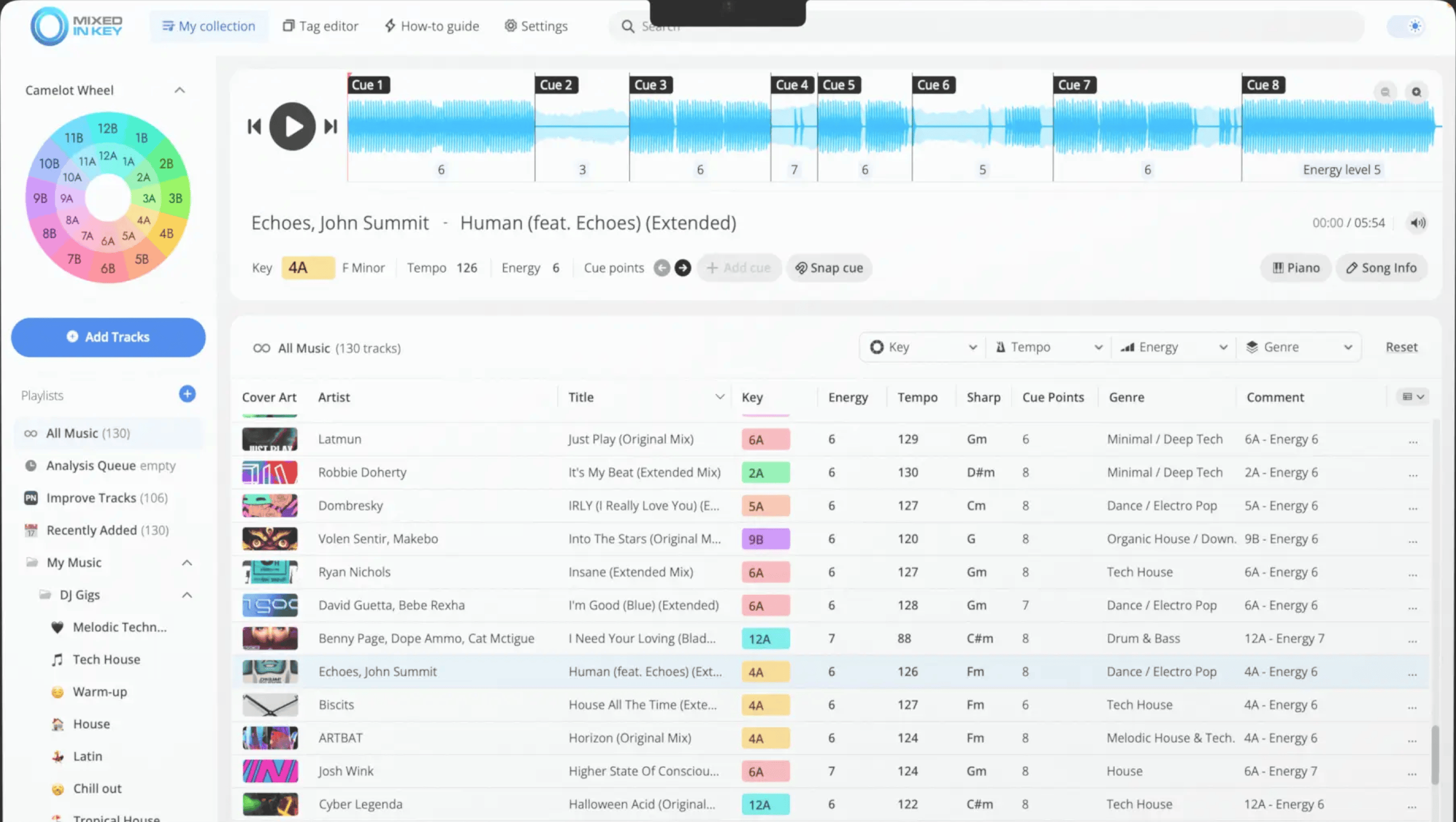
Mixed In Key 11 has been the reference point for harmonic mixing preparation since 2006. The key detection accuracy is excellent, and the scope of what it analyzes goes significantly beyond key alone: it assigns Camelot codes, energy levels, BPM, and automatic cue points in a single pass, with export integrations for Rekordbox and Serato built in.
The price of $34 to $58 is justified when you are using the full suite. The energy level ratings are useful for building flow in a set, the automatic cue points save time in library prep, and the DJ software integrations mean the data appears directly in your existing workflow without manual steps. For a DJ whose entire preparation process is built around harmonic mixing, this is the industry-standard choice for a reason.
The tradeoff is straightforward: if you already have key detection covered by a dedicated tool and primarily need the energy ratings and cue point features, that case is real. If you are only looking for key detection and BPM, you are paying $30 to $50 more than necessary compared to the alternatives in this list.
DJs whose prep workflow is centered on harmonic mixing and who want key, energy levels, and cue points from a single tool with DJ software export.
KeyFinder (best free option)
Pros
- Completely free and open-source
- Batch processing with drag-and-drop file import
- Writes detected key to audio file metadata
Cons
- Accuracy lower than professional-grade tools, around 70 to 85 percent
- Interface is dated and has not received design updates in several years
- Camelot code output requires manual configuration
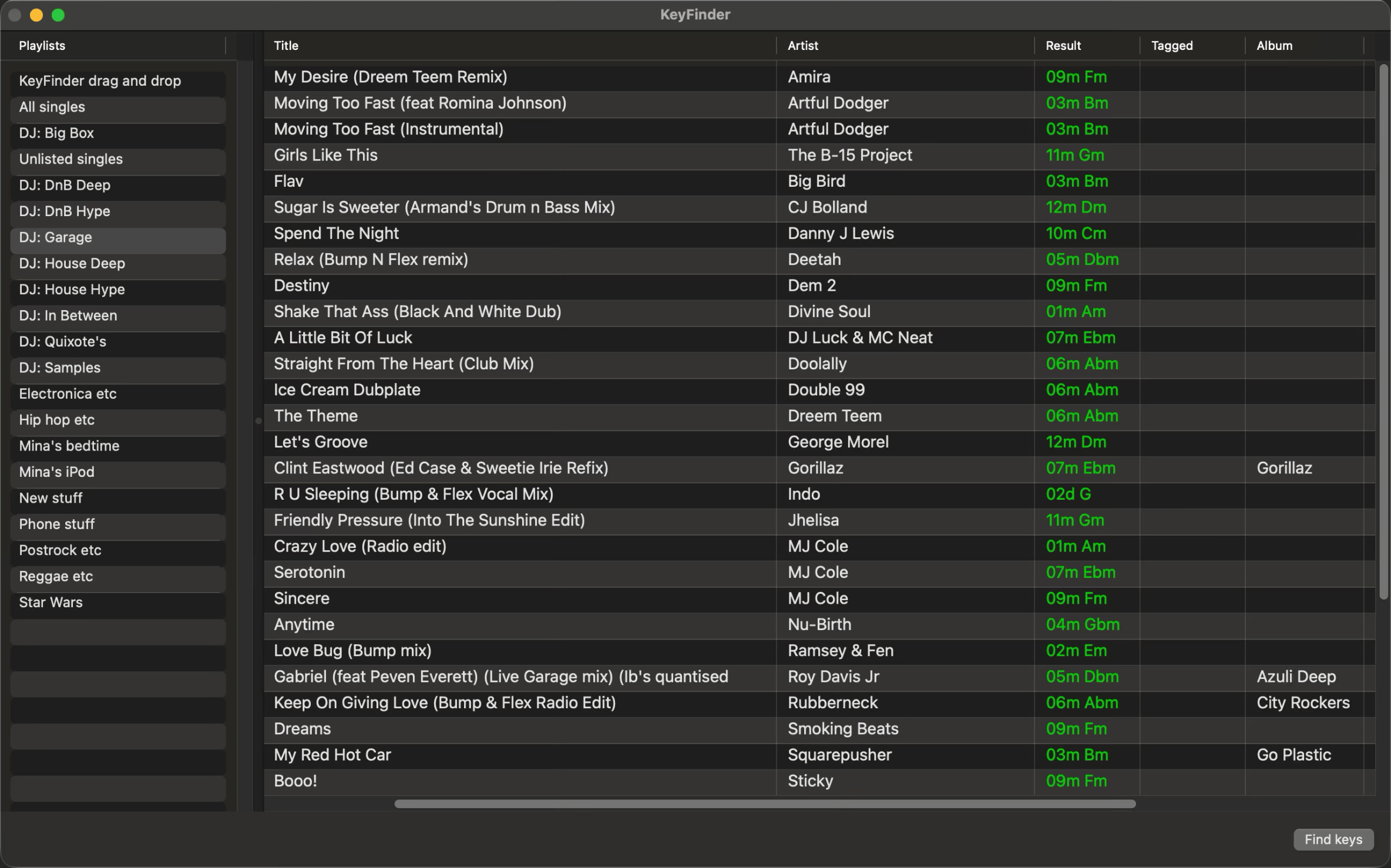
The open-source KeyFinder is a free key detection tool that covers the basics: drag in files, get key results, write them to metadata. For a DJ on a tight budget who primarily works with straightforward dance music tracks, it gets the job done at no cost.
The accuracy lands around 70 to 85 percent for standard material, which is noticeably below the professional tier. On tracks with clear tonal centers and simple chord progressions, you will rarely notice the difference. On tracks with ambiguous tonality, modal harmonics, or complex arrangements, the detection error rate climbs. If half-step key errors in a harmonic mix are something you would catch and care about, the free tool will cost you corrections after the fact.
The interface is dated, Camelot codes require manual configuration to output by default, and active development has slowed. It is a real option, not a token mention, but go in understanding its limitations.
DJs on a tight budget who primarily work with straightforward dance music and want free batch key detection with metadata writing.
Rekordbox (best if you are already in the Pioneer ecosystem)
Pros
- Key detection and BPM analysis bundled into a platform many DJs already use
- Camelot code display in the library browser
- Free for library management without a subscription
Cons
- Requires full software install and library setup before analyzing anything
- Analysis writes to Rekordbox's database, not always to audio file tags
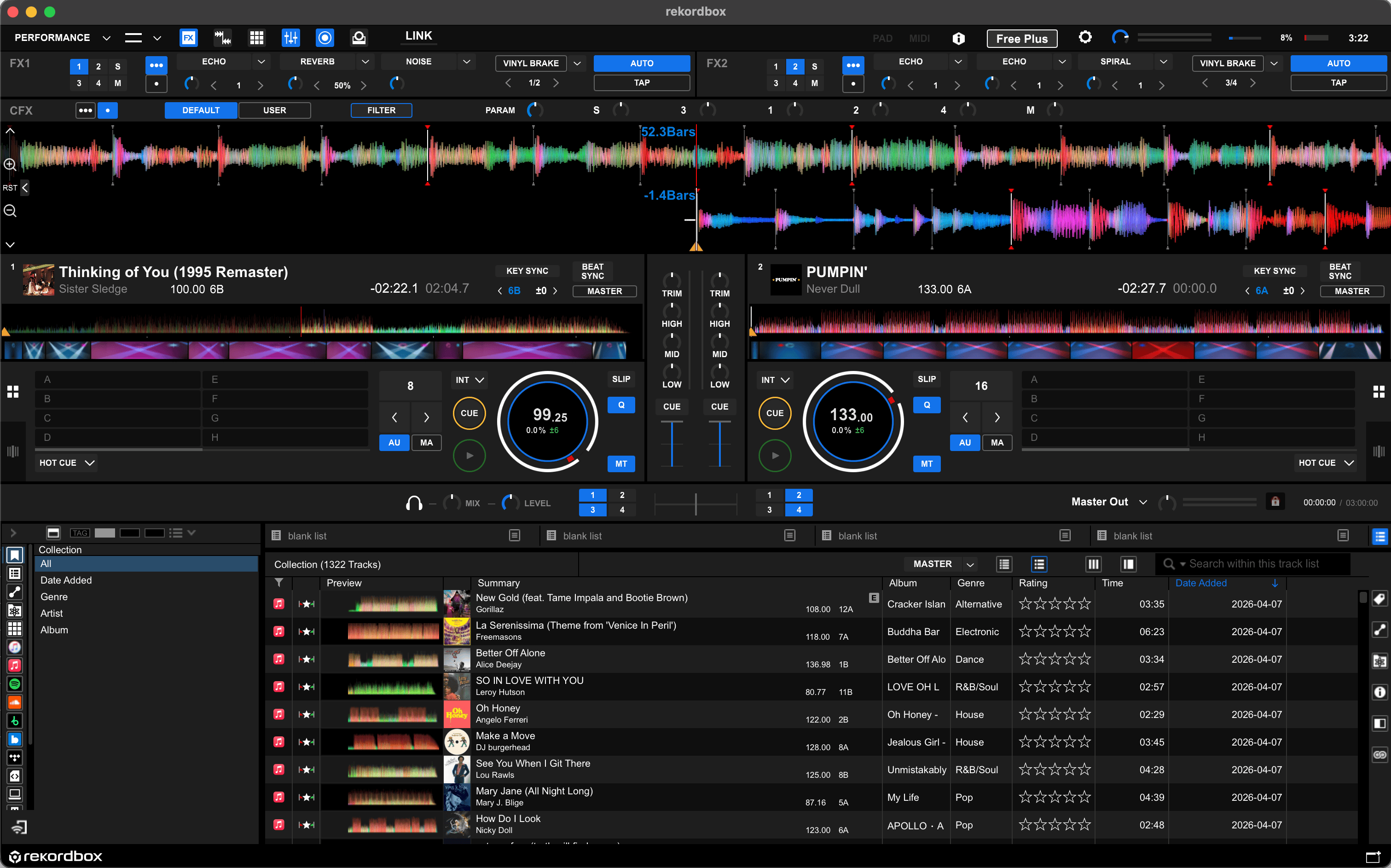
Rekordbox includes key detection as part of its library management features, and it is free at the core tier. For a DJ already invested in the Pioneer CDJ ecosystem, using Rekordbox for key analysis is the path of least resistance. The data feeds directly into a workflow they already have.
Outside of that context, it is hard to recommend Rekordbox as a key detection tool. Detection accuracy runs around 69 percent against professional benchmarks, which puts it meaningfully below the tools at the top of this list. The software weighs over 2 gigabytes and requires importing your music into a Rekordbox library before it analyzes anything.
Key analysis in Rekordbox writes to its internal database, not necessarily back to your audio files' metadata tags.
If you want the key value visible in other software, you need to export or manually write it separately.
Pioneer CDJ users already using Rekordbox for hardware prep who want key detection integrated into that workflow without an additional tool.
What about free web tools?
For checking the key of a single track without installing anything, Rebels offers a free online key detection tool that runs analysis locally in your browser, so nothing is uploaded or stored. It works on any device and requires no account.
Tunebat offers free unlimited key and BPM detection from its database of 70 million tracks, which is useful if the track you are checking is already in their system.
For batch processing or writing results to file metadata, a dedicated Mac app is the necessary tool.
What I actually use
Key Finder for everything that goes into my library. I drop in a folder of new tracks, let it run, and every file comes out with accurate key data. The accuracy holds up well against anything else I have tested at this price point, and that is the thing that matters most for harmonic mixing prep.
If your workflow demands energy levels, automatic cue points, and Rekordbox or Serato export, Mixed In Key is worth the premium. The two tools serve different levels of depth. Key Finder gives you accurate key data fast. Mixed In Key gives you a full analysis suite, and you pay accordingly.